Kindles are boring. By design. They shine, literally, only at one thing: displaying text without blinding you.
But if you just bought a newer model, that old brick sitting on your shelf isn’t trash. It’s hardware waiting to be twisted.
Most people throw these devices away or let them gather dust. You don’t have to. There are specific ways to unlock that screen’s potential without buying new gadgets. Here are three actual uses for retired repurpose old Kindles.
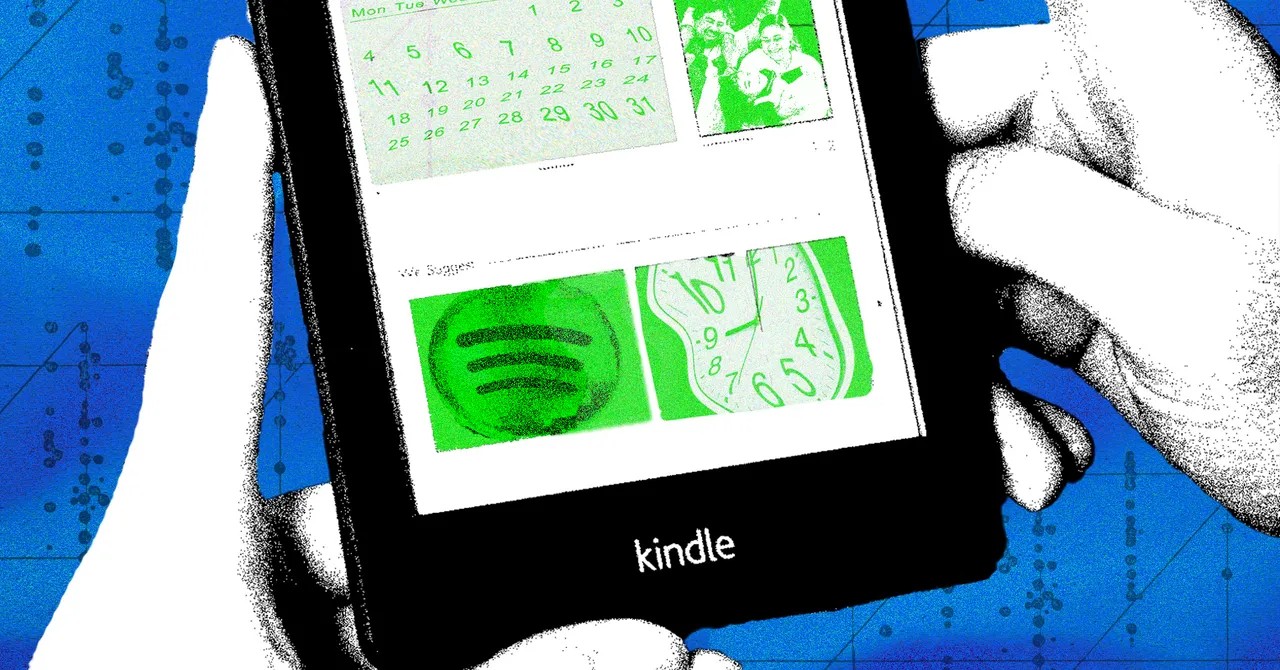
Use Your Kindle as a Spotify Remote
Why pull out your phone every time you want to skip a track?
Your e-reader can sit on a side table and act as a dedicated music controller. It works because of Spotify Connect, not some hidden app store feature.
Go to kindlify.co in your Kindle’s browser. Log in with your Spotify credentials. As long as both the Kindle and your audio source—laptop, phone, smart speaker—are on the same Wi-Fi, the magic happens.
It’s simple.
* Browse your library on the main device.
* Pause, play, skip, or adjust volume from the Kindle.
No music is stored on the device. No battery-draining apps running in the background. Just a clean, low-power interface for playback.
It turns a passive reader into an active command center for your audio.
You’ll find plenty of guides on Reddit for this. It’s reliable. It’s quiet. And it stops you from scrolling through social media just to change a song.
Build a Smart Home Dashboard
This is the heavy lifting project.
If you want to know how to turn a Kindle into a smart home display, you need to be okay with cutting cardboard and writing basic HTML. Developer Matt Healy created the blueprint for this.
It involves two main parts:
1. Hardware: A custom frame or mount to hold the Kindle upright.
2. Software: A local web page that pulls data from external APIs.
Your screen becomes a dashboard. Weather forecasts. Calendar events. Grocery lists. Delivery status updates.
It’s not plug-and-play. You have to configure the scripts yourself. You’ll need to understand how different services talk to each other. But the payoff is a high-contrast, battery-efficient info hub that doesn’t scream for your attention like an Alexa Echo Show.
Do you want to learn how devices communicate? This is the best classroom.
Create a Literary Quote Clock
Sometimes you just want the time, but you also want to be annoyed by poetry.
A literary clock is a whimsical take on repurposing the device. Instead of standard numbers, the screen displays a quote from a book.
Here’s the catch: the quote changes every minute. And it’s relevant to the current time.
It’s 3:00 PM? You see a passage about afternoon tea or midday sun. It’s 11:59 PM? Expect something about insomnia or midnight thoughts.
This hack keeps the spirit of the device alive. It’s still about books. Still about text. But now, it serves a functional purpose in your living space. You glance down, check the time, and absorb a snippet of literature you wouldn’t have read otherwise.
Which Hack Is Right for You?
It depends on your patience and technical skill.
The Spotify controller takes five minutes. It requires zero coding. Just a browser and Wi-Fi.
The smart home dashboard demands effort. You’re building a system. You’re learning APIs. It’s for the tinkerers.
The literary clock is for the romantics who hate analog clocks but love reading.
None of these require soldering iron skills or breaking warranty seals (mostly). They just require you to look at your old gadget differently.
So, what’s the plan? Will you control your music from a book-shaped remote? Or will you mount your old Kindle on the wall and pretend it’s 1920?
The choice is yours. The screen is ready.